User Guide
How to use each screen, one at a time
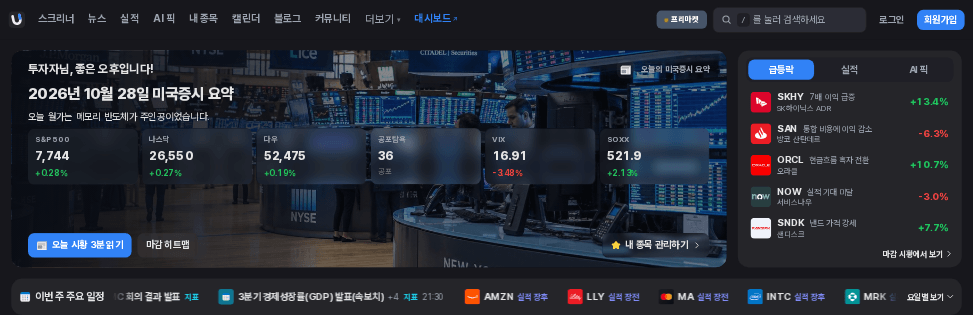
Start here Getting Started What to do first if you are new, from signup to installing the app. Read
Using each screen
5 guides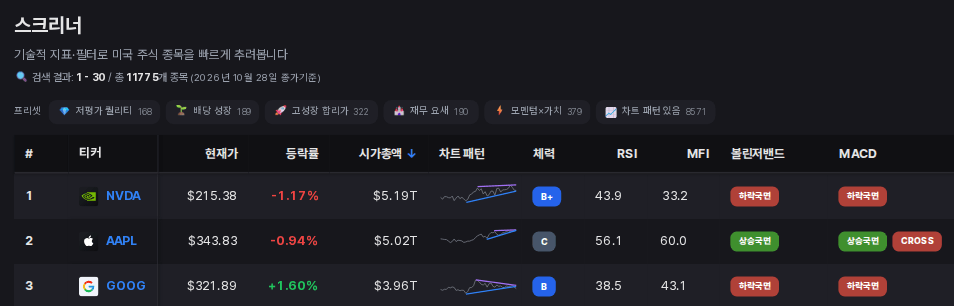 How to Use the ScreenerA screen where you set conditions to pick only the stocks you want.
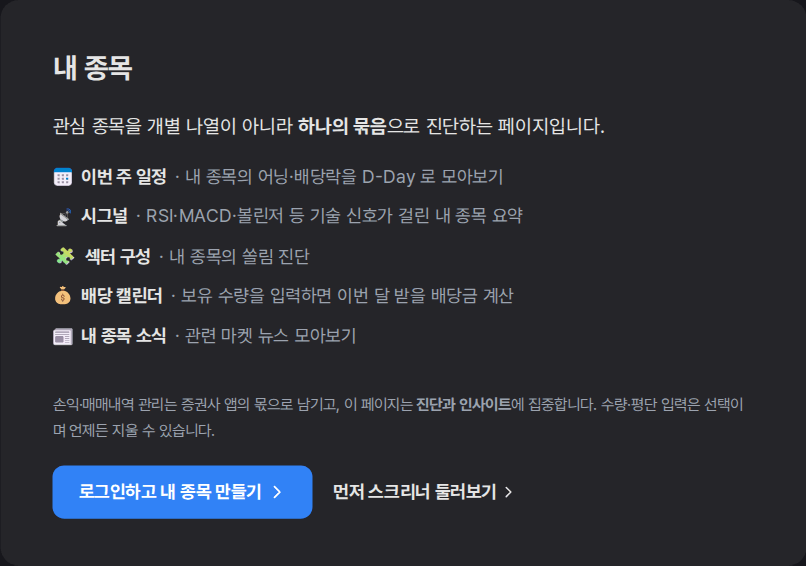 My StocksA screen where you collect stocks you care about and enter quantities.
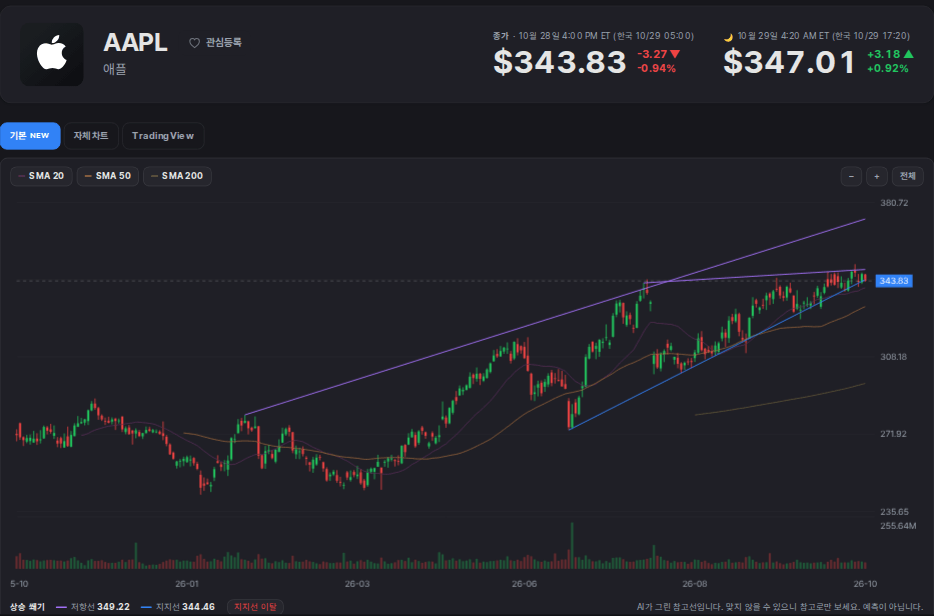 How to Read the Ticker PageA screen that shows one stock's price, company information, and health grade.
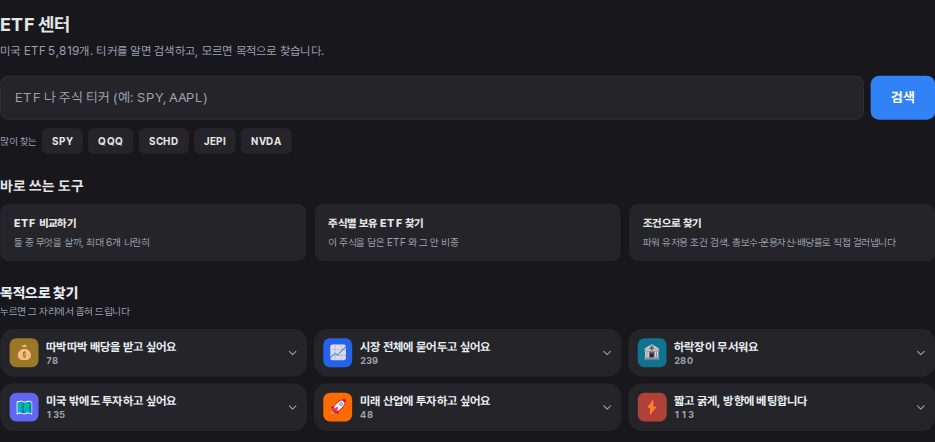 ETF Center · Heatmap · Market Cap RankingThree screens that show the whole market at a glance.
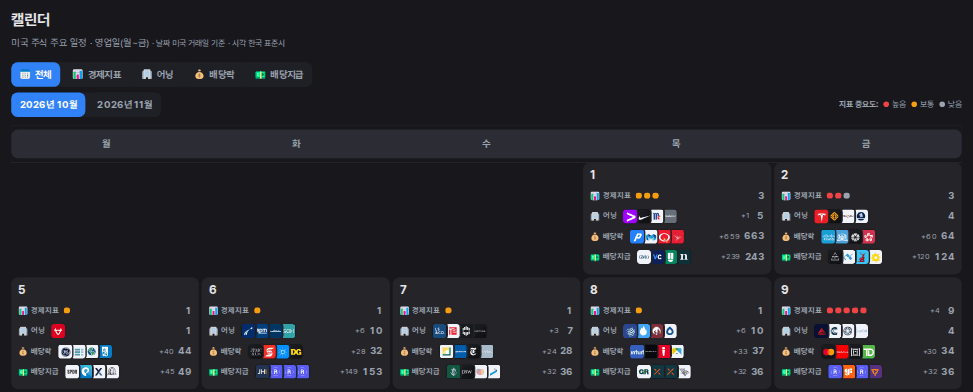 Calendar · News · CommunityScreens where you keep up with events and news, and leave a comment.